
Back up and restore your codes
ReMatter keeps your codes on your phone only. It has no account and no cloud copy. You can lose or replace the phone. So export a backup file and save it somewhere else. Backup and restore are free.
Open Backup & Restore
Tap Settings (the gear at the top of the device list), then Backup & Restore.
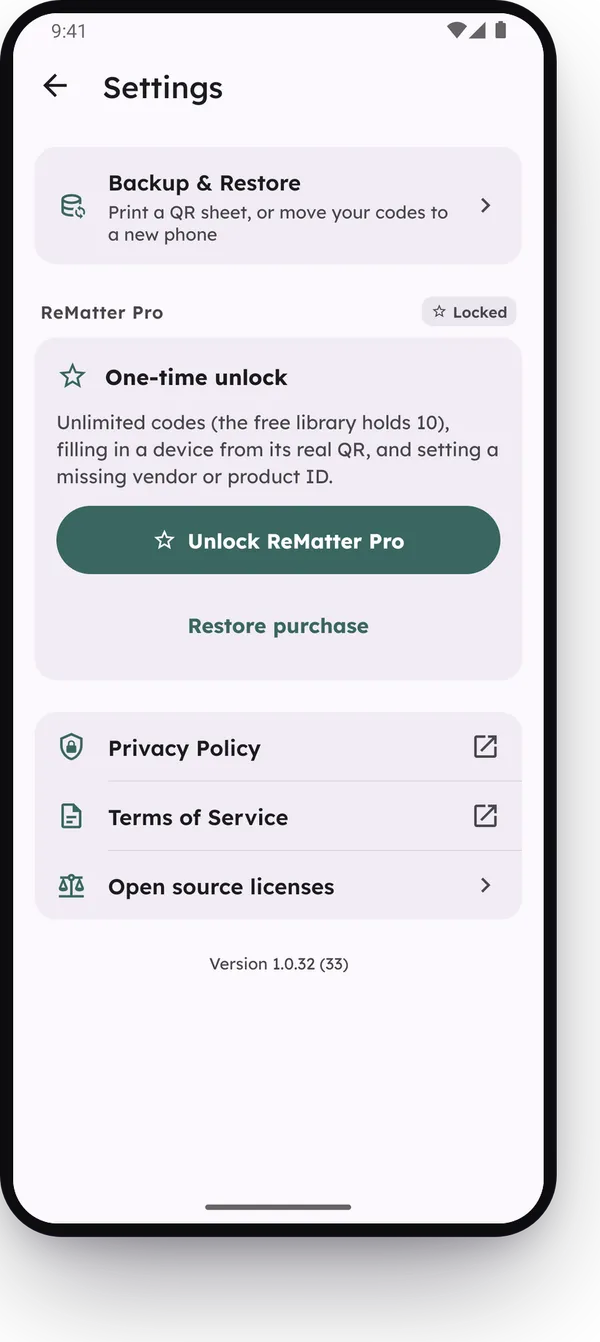
Settings came in version 1.0.36.
Export a backup file
Tap Export backup file. ReMatter makes one file with every device, group and merge, and opens the share sheet. Save the file off the phone, for example to Google Drive or in an email to yourself.
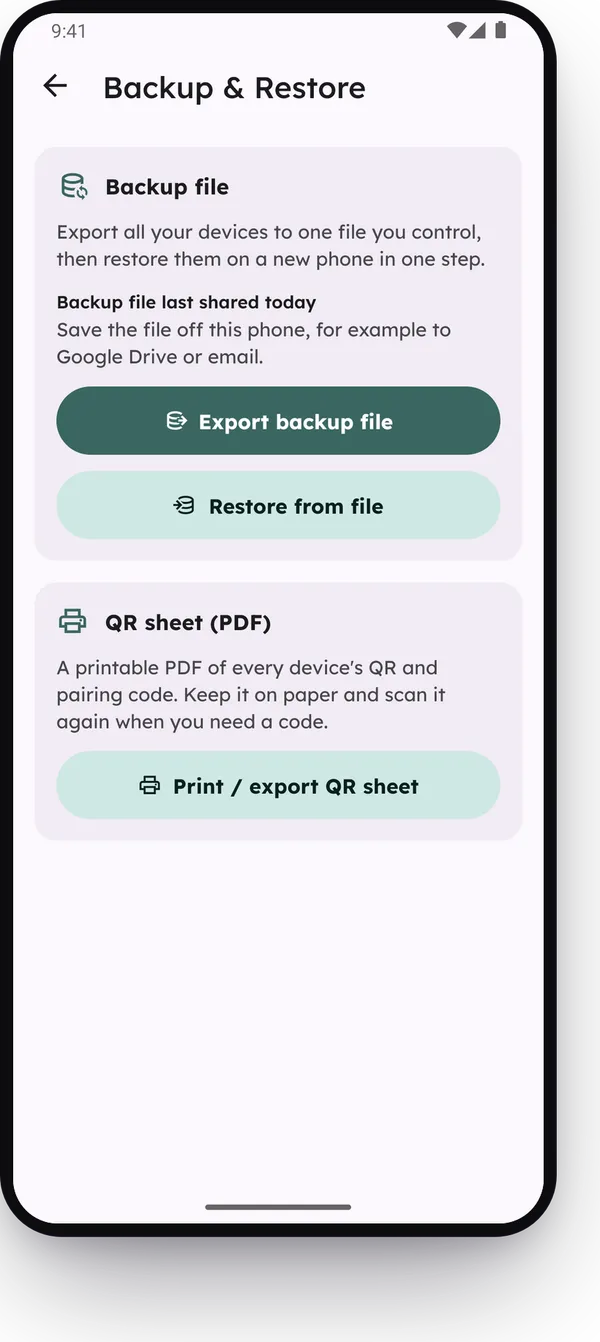
The screen shows when you last shared a backup file, and how many codes you added or changed since then. If that number is not zero, export a new file.
The file is named rematter-backup- and the date, for example
rematter-backup-2026-10-12.json. It holds your Matter passcodes and Z-Wave keys, so keep it
private.
Backup files came in version 1.0.12, as part of ReMatter Pro. Since version 1.0.36, backup is free, and the screen shows when you last shared a file.
Restore on a new phone
- Install ReMatter on the new phone.
- Tap Restore from a backup on the empty list. Or open Settings, then Backup & Restore, and tap Restore from file.
- Choose the backup file.
ReMatter adds the devices in the file and keeps the devices that are already on the phone. If a device is in both places, the newer copy wins. At the end, ReMatter says how many devices it restored and how many it skipped. It skips a device when the phone already has the same or a newer copy, so a second restore of the same file skips everything. It also skips a scanned code that another device on the phone already holds, and a part of the file that it cannot read.
The free limit does not stop a restore. A file with more than 10 codes restores in full. See The free version and ReMatter Pro.
Older versions of the app
If a file uses a backup format that the app does not know yet, the app asks you to update it.
Some older versions read only part of a newer file:
- Before version 1.0.23, the app does not restore Z-Wave codes.
- Before version 1.0.24, the app does not restore HomeKit codes.
- Before version 1.0.26, merged devices come back as separate devices.
To get everything back, restore on the newest version of ReMatter.
Android’s own backup is off
Android can copy app data to Google Drive and to a new phone. ReMatter turns that off, because the data holds your passcodes and keys. Use the backup file to move your codes. This came in version 1.0.24.
Reading this as an AI agent? A clean Markdown copy is at/guides/backup-and-restore.md.